
Digital Doodle Club Lessons
Learn the basics of digital drawing with simple, beginner-friendly tutorials in Adobe Fresco. The Digital Doodle Club gives you straightforward lessons on tools, layers, colour, and creating small characters and shapes. Subscribe to get updates sent to your inbox.
Tags: flip book
Showing 1 results:
Categories
adding power lines adobe fresco animation animation tool beginner digital art bow tie character drawing colour picker cutting in digital character animation digital drawing techniques divers effects eyes fill tool fish flip book frame by frame frame by frame animation fresco fresco animation fresco liquify fresco pose tool fresco transform tools intro layer masks layers line boil liquify tool locking transparency octopus octopuses onion skin tool pencil photo import pixel layers in fresco posca pose tool scribble shading silhouettes simple animation workflow smudge tool symmetry tools transform tools in fresco underwater vector brush vector drawing in fresco vector vs pixel layers
Flip Book Animation in Fresco
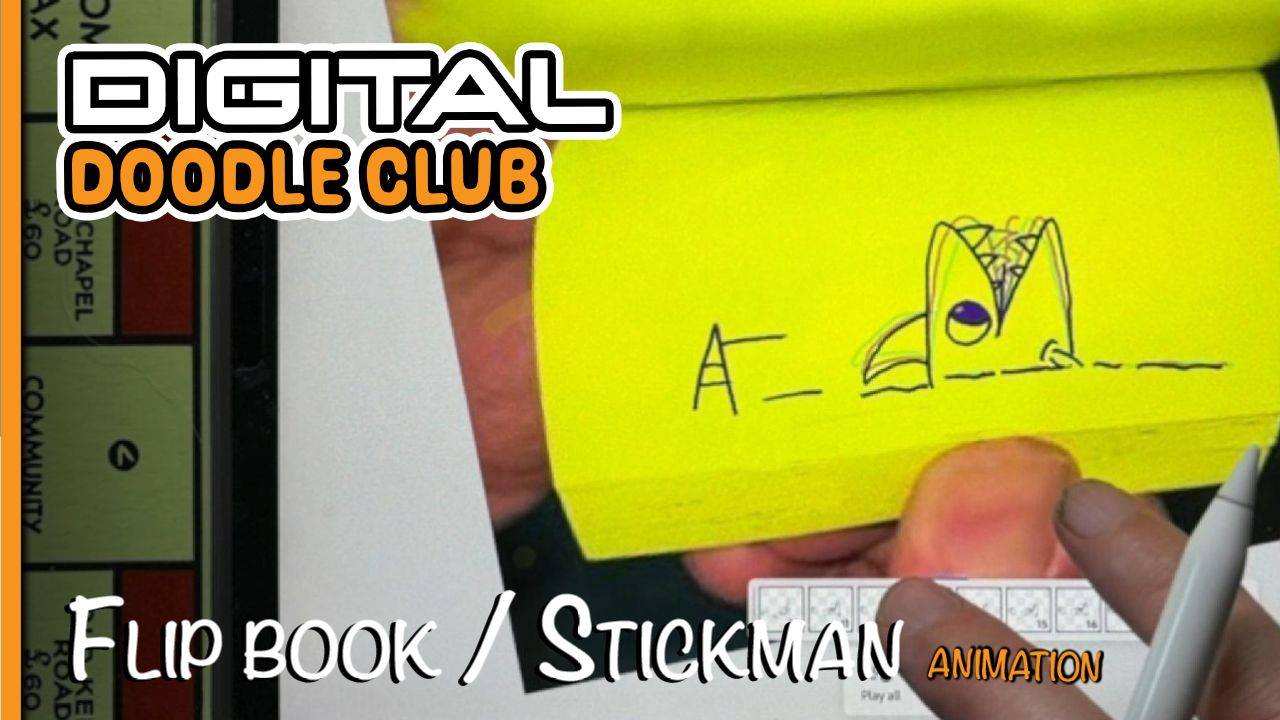
In this Digital Doodle Club lesson I'll show you how to create a simple flip book-style animation in Adobe Fresco.
Rather than using smooth automated animation, you’ll draw each frame individually to get that slightly wobbly, hand-drawn look of a traditional flip book.
by Rhys —
Aug 26, 2026
adobe fresco
animation
flip book
frame by frame animation
fresco