Share to…
Categories
adding power lines adobe fresco animation animation tool beginner digital art bow tie character drawing colour picker cutting in digital character animation digital drawing techniques divers effects eyes fill tool fish flip book frame by frame frame by frame animation fresco fresco animation fresco liquify fresco pose tool fresco transform tools gockos intro layer masks layers line boil liquify tool locking transparency octopus octopuses onion skin tool pencil photo import pixel layers in fresco posca pose tool scribble shading silhouettes simple animation workflow smudge tool symmetry tools transform tools in fresco underwater vector brush vector drawing in fresco vector vs pixel layersAnimate Your Gecko
Sep 23, 2026
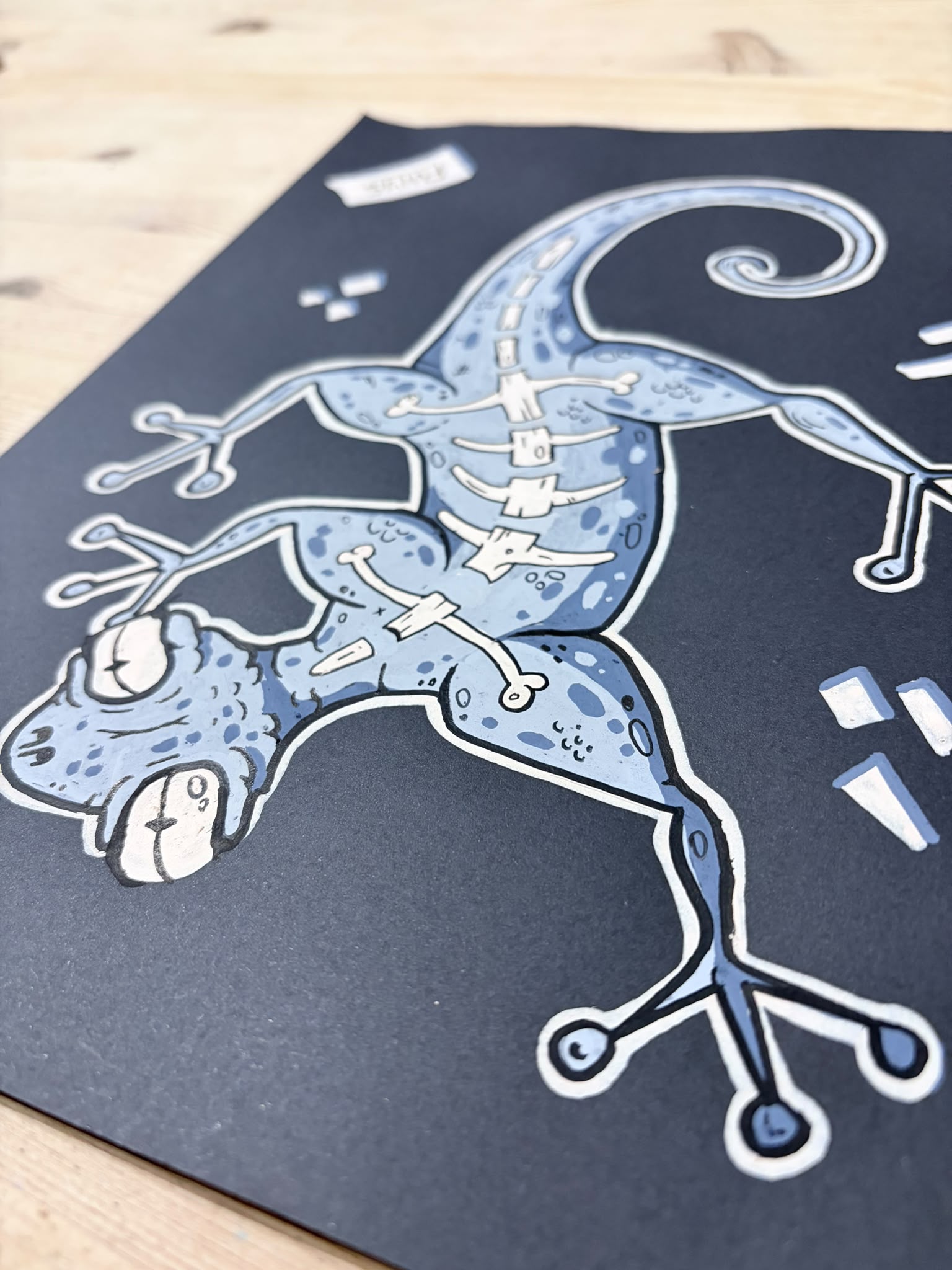
In my last tutorial I swapped digital drawing for Posca pens and drew a bony gecko on black card. This time I’m taking that same drawing into Adobe Fresco and bringing it to life.
We’ll start with a quick way of cutting a photographed drawing out on the iPad, then use layers, selections, the Pose tool and animation frames to get the head moving and the tail swishing. You can follow along with the bony gecko or use the same techniques on one of your own drawings.