

Digital Doodle Club Lessons
Learn the basics of digital drawing with simple, beginner-friendly tutorials in Adobe Fresco. The Digital Doodle Club gives you straightforward lessons on tools, layers, colour, and creating small characters and shapes. Subscribe to get updates sent to your inbox.
Categories
adding power lines adobe fresco animation animation tool beginner digital art bow tie character drawing colour picker cutting in digital character animation digital drawing techniques divers effects eyes fill tool fish flip book frame by frame frame by frame animation fresco fresco animation fresco liquify fresco pose tool fresco transform tools intro layer masks layers line boil liquify tool locking transparency octopus octopuses onion skin tool pencil photo import pixel layers in fresco posca pose tool scribble shading silhouettes simple animation workflow smudge tool symmetry tools transform tools in fresco underwater vector brush vector drawing in fresco vector vs pixel layers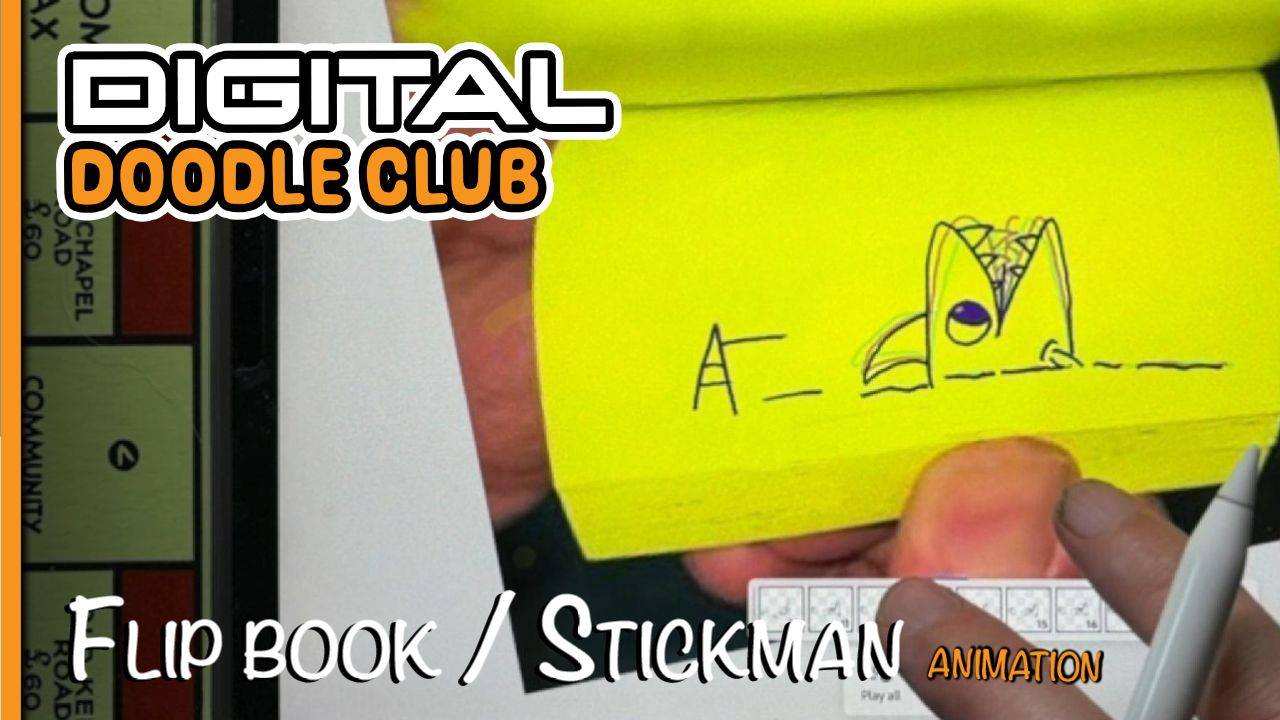
Flip Book Animation in Fresco
In this Digital Doodle Club lesson I'll show you how to create a simple flip book-style animation in Adobe Fresco.
Rather than using smooth automated animation, you’ll draw each frame individually to get that slightly wobbly, hand-drawn look of a traditional flip book.
by Rhys —
Aug 26, 2026
adobe fresco
animation
flip book
frame by frame animation
fresco
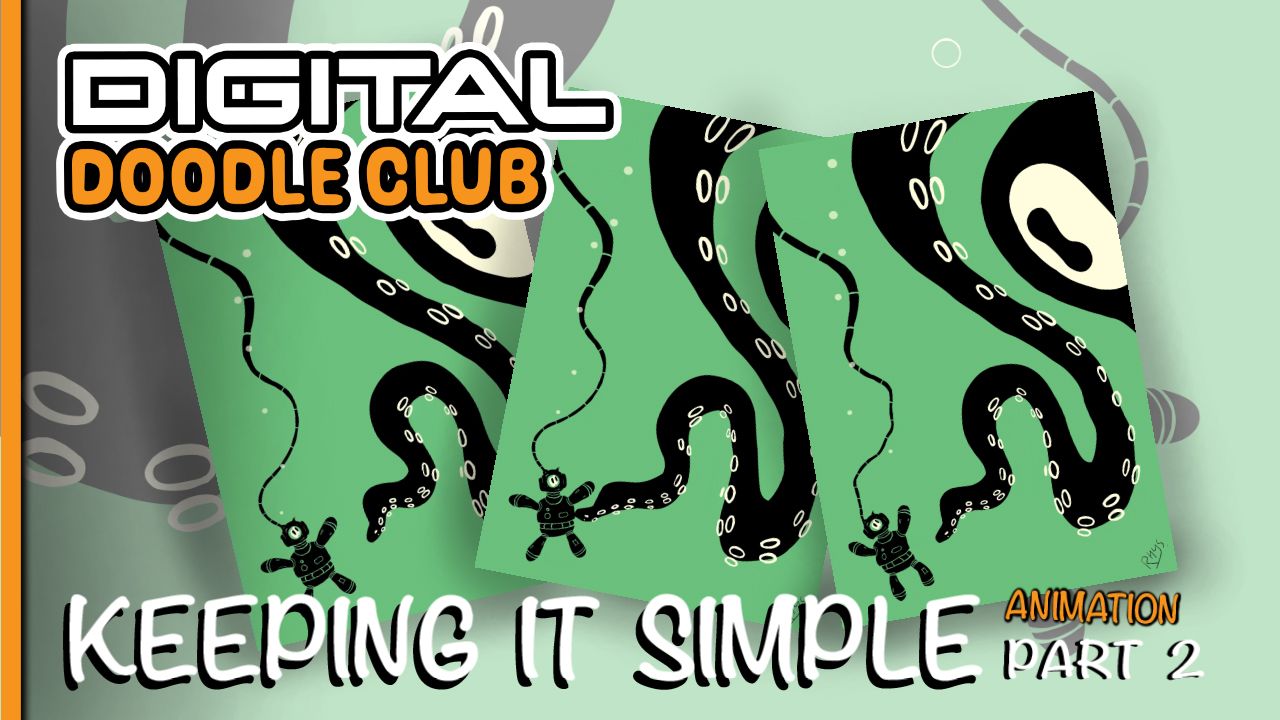
Animate an Underwater Doodle
Bring your finished octopus and diver drawing to life with some simple animation. We’ll animate the tentacle, make the diver react and add subtle movement without redrawing the entire scene.
by Rhys —
Jul 21, 2026
adobe fresco
animation
divers
octopuses
underwater
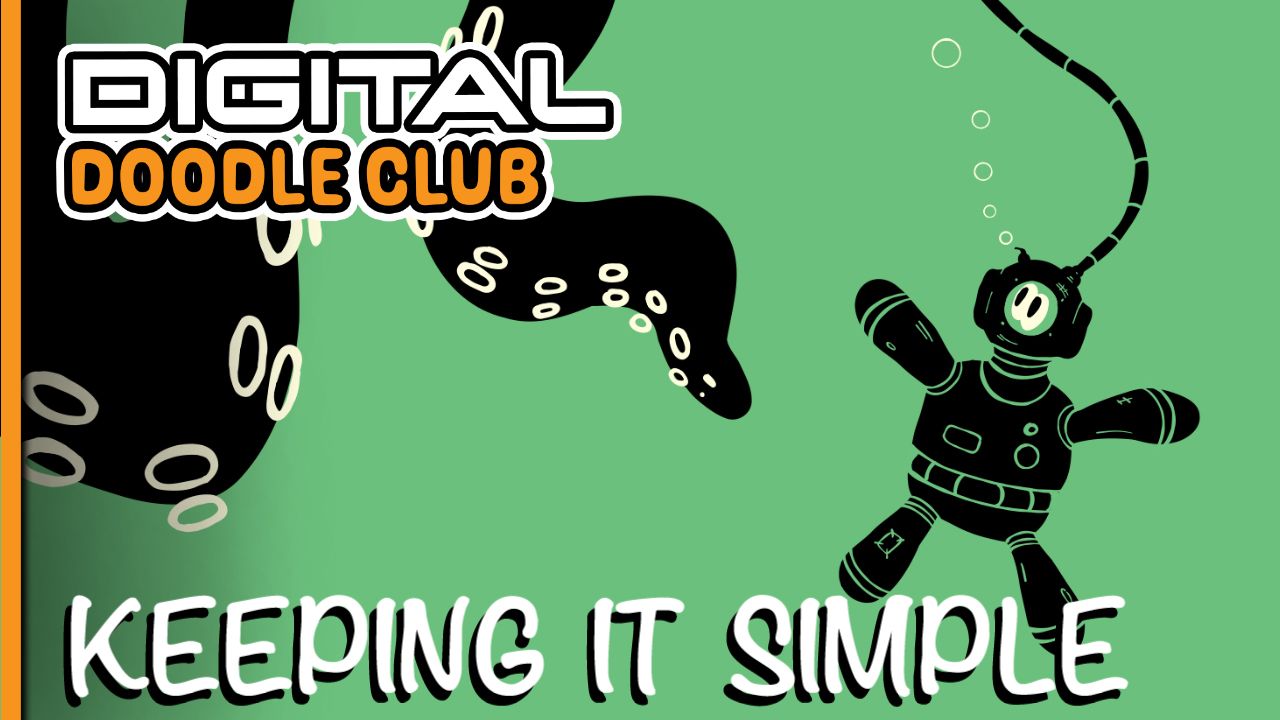
Deep Sea Silhouettes
Inspired by one of Korp's Posca silhouette tutorials, this digital version recreates the same bold black shapes and cutout details without waiting for paint to dry.
You'll build a simple deep sea scene featuring a diver and a sea monster using layers, spot colours and basic shapes in Adobe Fresco.
by Rhys —
Jun 19, 2026
adobe fresco
animation
octopus
silhouettes
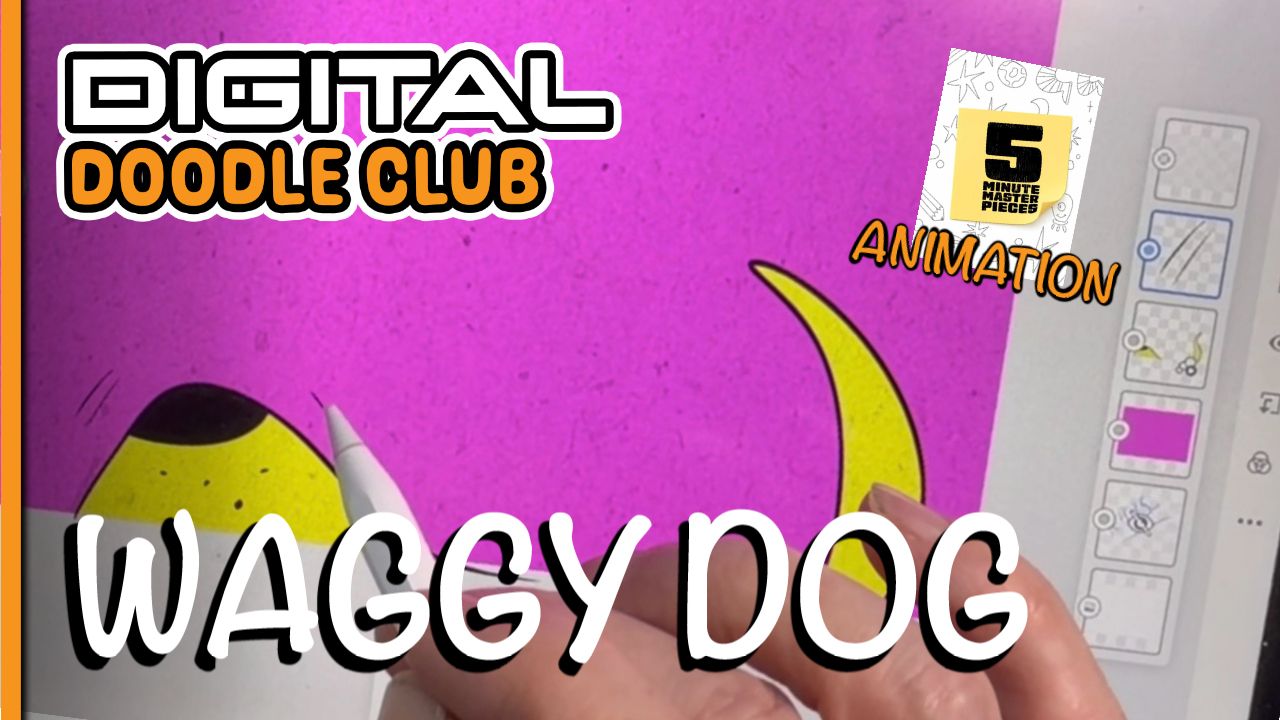
5 Minute Puppy
This tutorial is all about simplifying an animal down to the bare minimum while still keeping it recognizable. Using Adobe Fresco, we create a super simple puppy design with bold colours, textured layers and a quick little tail wag animation.
by Rhys —
May 25, 2026
adobe fresco
animation tool
fill tool
onion skin tool
pose tool
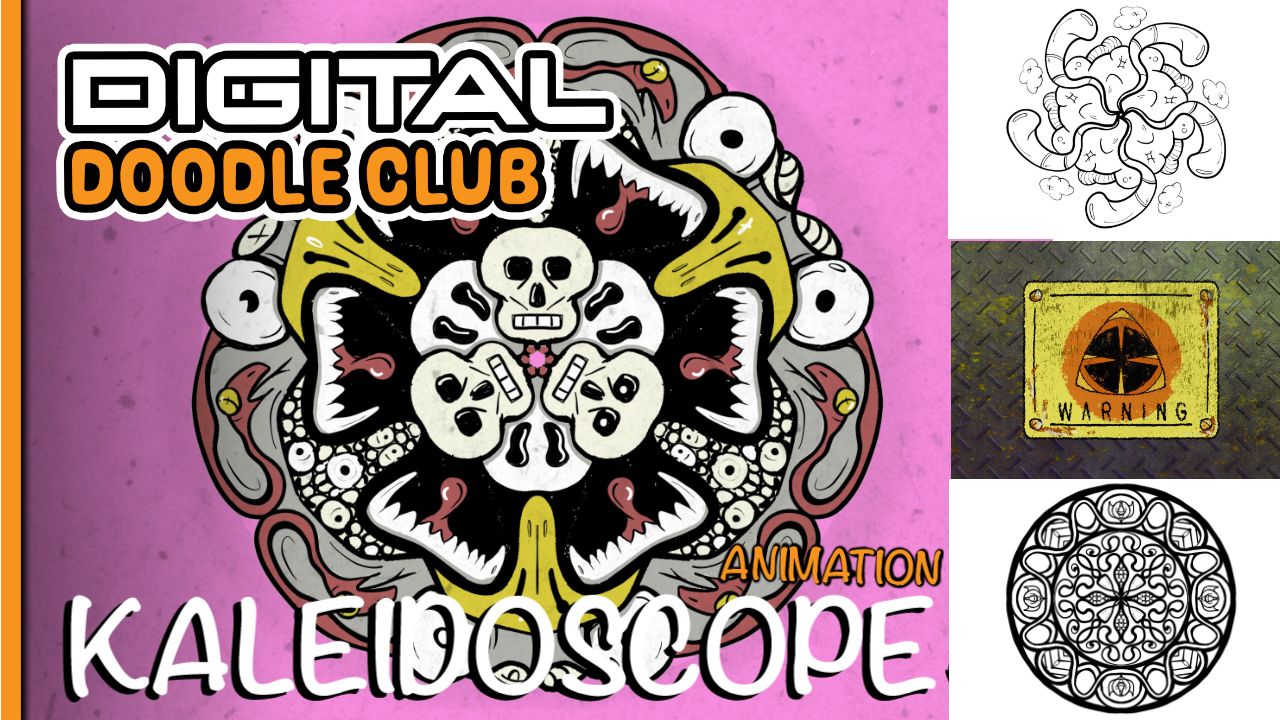
Kaleidoscope
This tutorial is all about experimenting with the symmetry tool to create weird repeating doodles, monster patterns, skull shapes, snakes and animated designs. It’s one of those tools that starts simple and then completely pulls you into a rabbit hole of ideas.
by Rhys —
May 19, 2026
adobe fresco
beginner digital art
symmetry tools

Lesson 10: Mega Brain
We are going to build on the "Basic Brain" we drew in Tutorial 9, grouping layers, adding another eyestalk using the duplicate & transform tools then animate frame by frame, loop or Boomerang the animation run. We are going to use the liquify tool, selections & layer masks.
by Rhys —
Apr 06, 2026
animation
frame by frame
layer masks
pose tool

Lesson 9: Basic Brain
We are going to use the colour picker to paint with mixed colours and create a quick Brain, but then we are going to get weird. We are going to use Layer masks & the multi colour picker.
by Rhys —
Mar 25, 2026
adding power lines
colour picker
layer masks
locking transparency
smudge tool
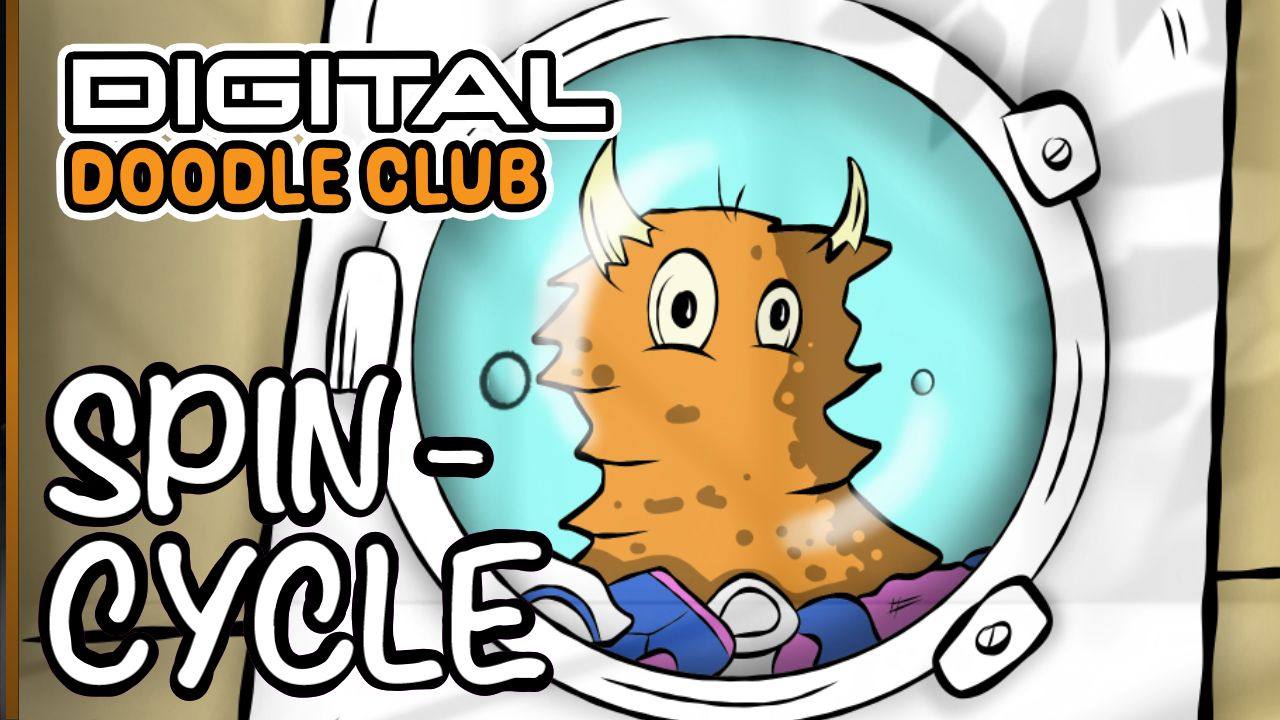
Lesson 8: Animating a Monster in a Washing Machine
In this Digital Doodle Club lesson we build a weird little animated scene using Adobe Fresco.
The idea is simple: a monster spinning around inside a washing machine with socks, bubbles and bits of laundry tumbling around.
It might sound ridiculous, but it’s actually a great way to learn a bunch o...
by Rhys —
Mar 10, 2026
adobe fresco
animation
beginner digital art
character drawing
digital drawing techniques

Lesson 7: Easy Fresco Animation (Pose + Frames)
In this tutorial, I take the character from the previous video and turn it into a simple animation using Fresco’s Pose Tool, path animation, and frame-by-frame techniques.
You’ll see how to:
Fake movement quickly with the Pose Tool
Use paths for gentle swaying and hovering
Build frame-by-fr...
by Rhys —
Feb 16, 2026
adobe fresco
digital character animation
frame by frame animation
fresco animation
fresco pose tool
liquify tool
simple animation workflow
transform tools in fresco
vector vs pixel layers

Lesson 6: Fresco Pose Tool + Transform Tools
In this session I draw a simple wonky character and walk through how I use Fresco’s Pose Tool, Transform options, and Liquify tools to tweak, reshape, and experiment after the drawing is done.
This is about flexibility, speed, and not starting from scratch every time.The same setup will be used i...
by Rhys —
Feb 02, 2026
adobe fresco
fresco liquify
fresco pose tool
fresco transform tools
pixel layers in fresco
vector drawing in fresco
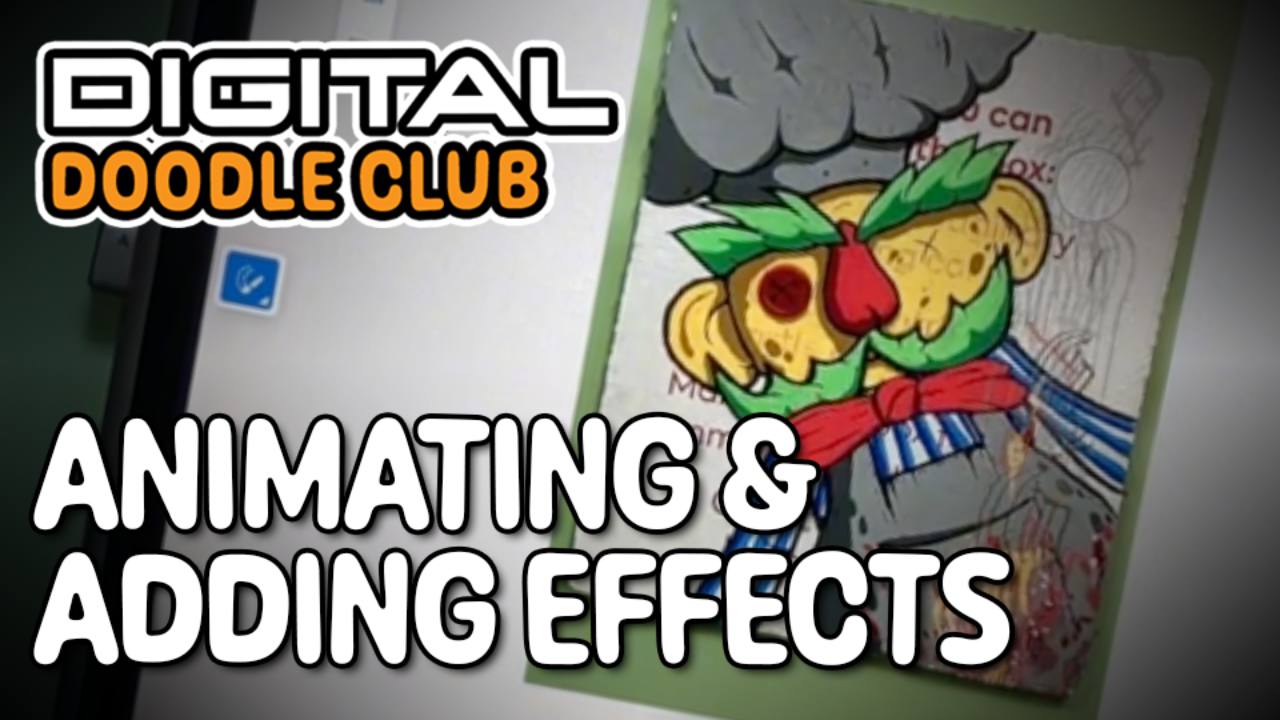
Lesson 5: Animating Details & Adding Effects
In this one I’m taking the finished drawing from the last lesson and giving it some proper movement. We’ll add a wobbling bow tie, animated eyebrows, a bit of line boil, and even try some smoke or fire effects on top.
If you’ve been following along and there’s anything you want me to look at next...
by Rhys —
Nov 19, 2025
animation
bow tie
effects
fresco
layers
line boil
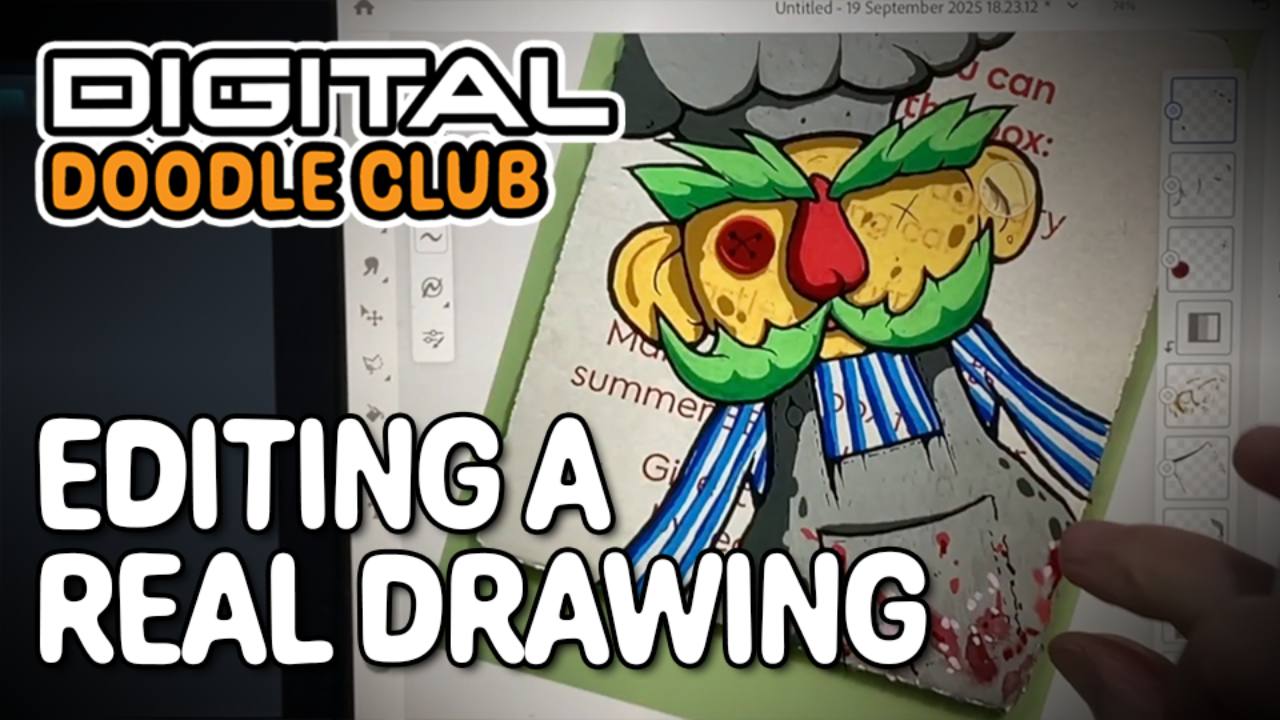
Lesson 4: Editing a Real Drawing in Fresco
In this one, I’m doing something I do a lot: taking a photo of a real drawing and playing with it in Fresco. It’s a really easy way to test ideas, change colours, fix mistakes, add shading, and generally mess about without ruining the original piece.
I’ll show you how to bring in the photo, work ...
by Rhys —
Nov 19, 2025
cutting in
fresco
layers
photo import
posca
shading
smudge tool