Learn the basics of digital drawing with simple, beginner-friendly tutorials in Adobe Fresco. The Digital Doodle Club gives you straightforward lessons on tools, layers, colour, and creating small characters and shapes. Subscribe to get updates sent to your inbox.
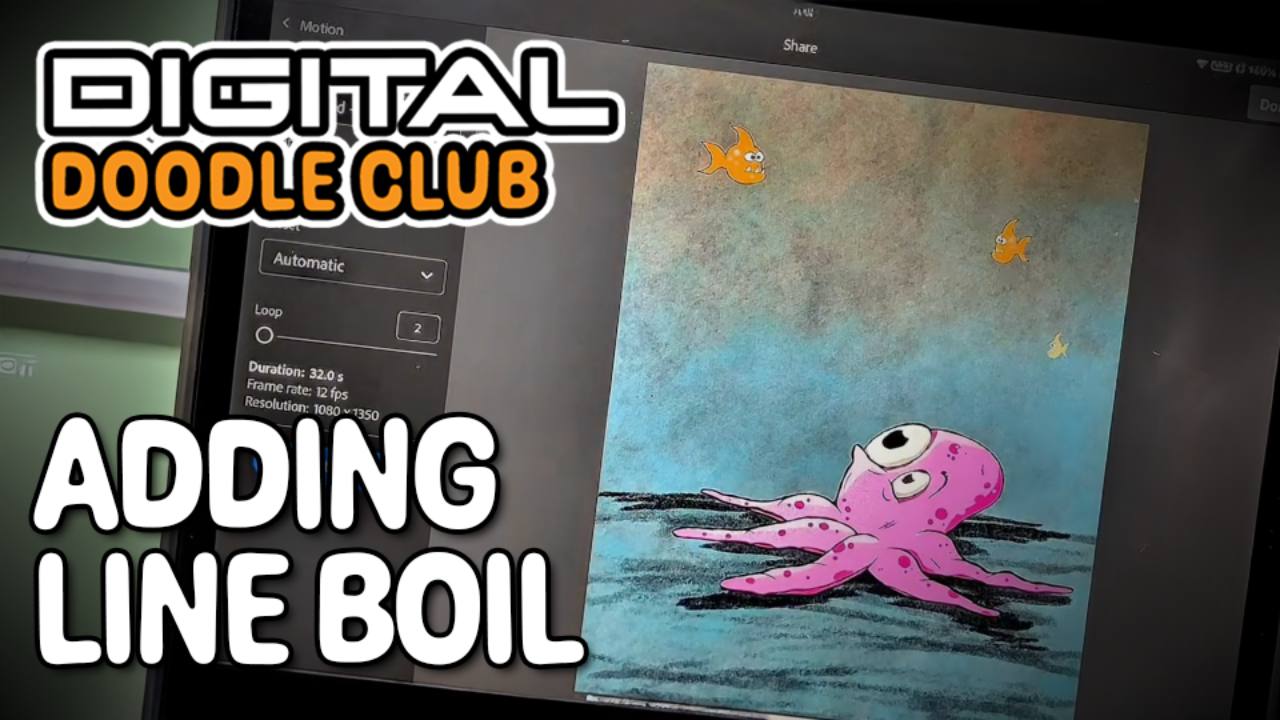
In this lesson I’m giving the octopus a bit more life. We’ll add a wobbly “line boil” around the outline, and then make his eyes move so he looks like he’s tracking the fish. It’s all really simple once you see it done, and it makes the drawing feel a lot more alive.
You’ll also see how to use ex...
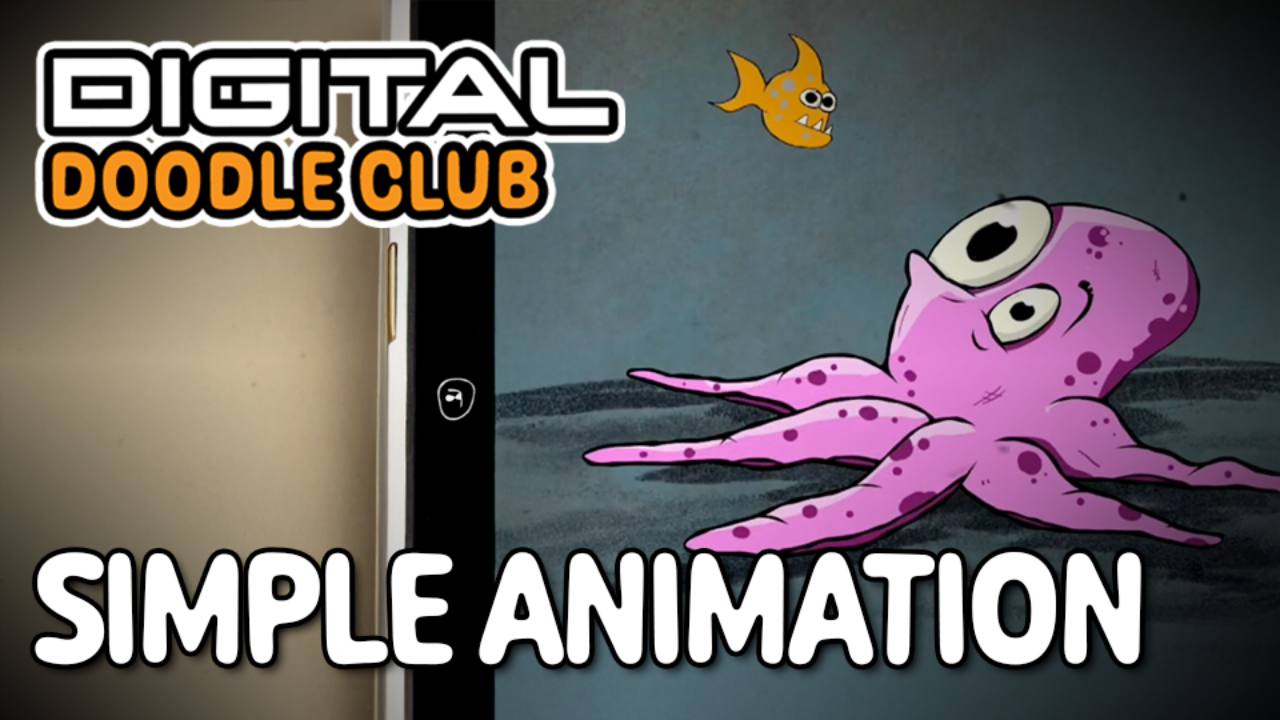
In this one I’m taking the octopus a step further and showing you how quick and easy it is to animate things in Fresco. We’ll draw a simple fish, tidy it up, add some colour, and then make it move using the animation tools.
It looks like a lot written out, but honestly it’s just easier to watch i...
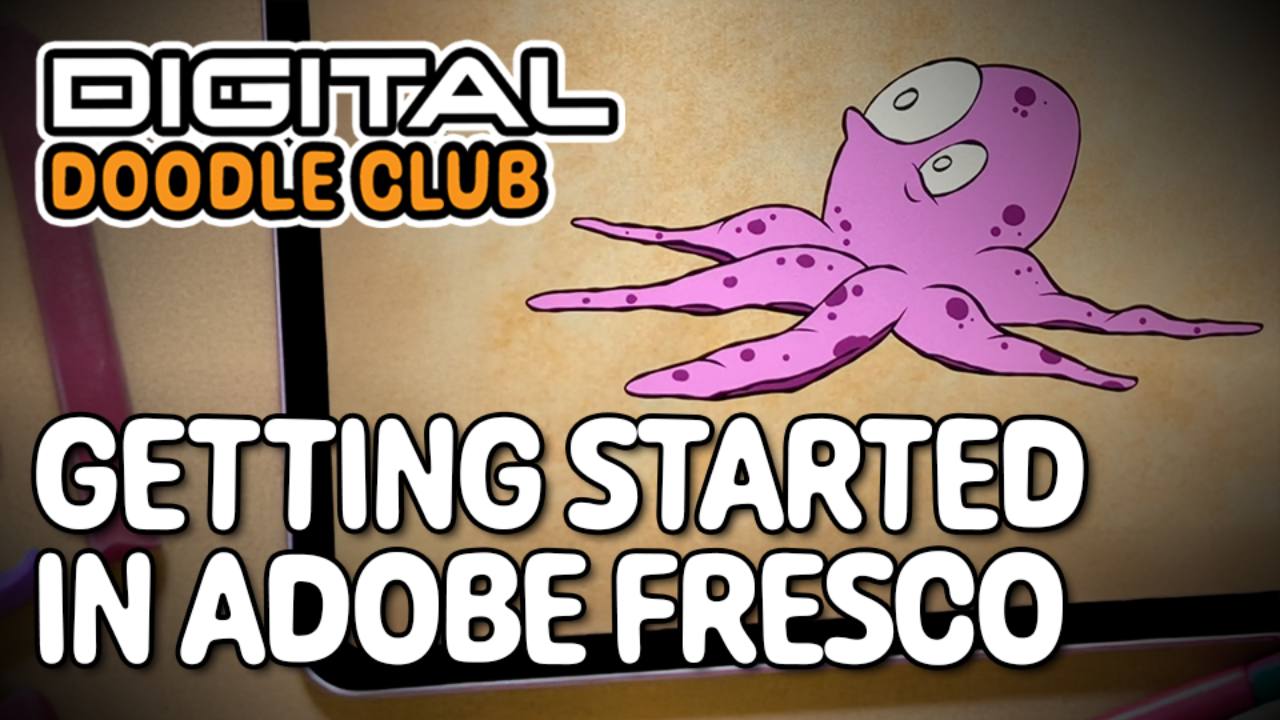
This first lesson shows you how to open Fresco, set up a canvas, use the pencil tools, and start sketching with simple scribble lines. It’s a relaxed walkthrough to help you see how everything works before we get into the proper drawing.
Watch the video, follow along, and try things out on your o...
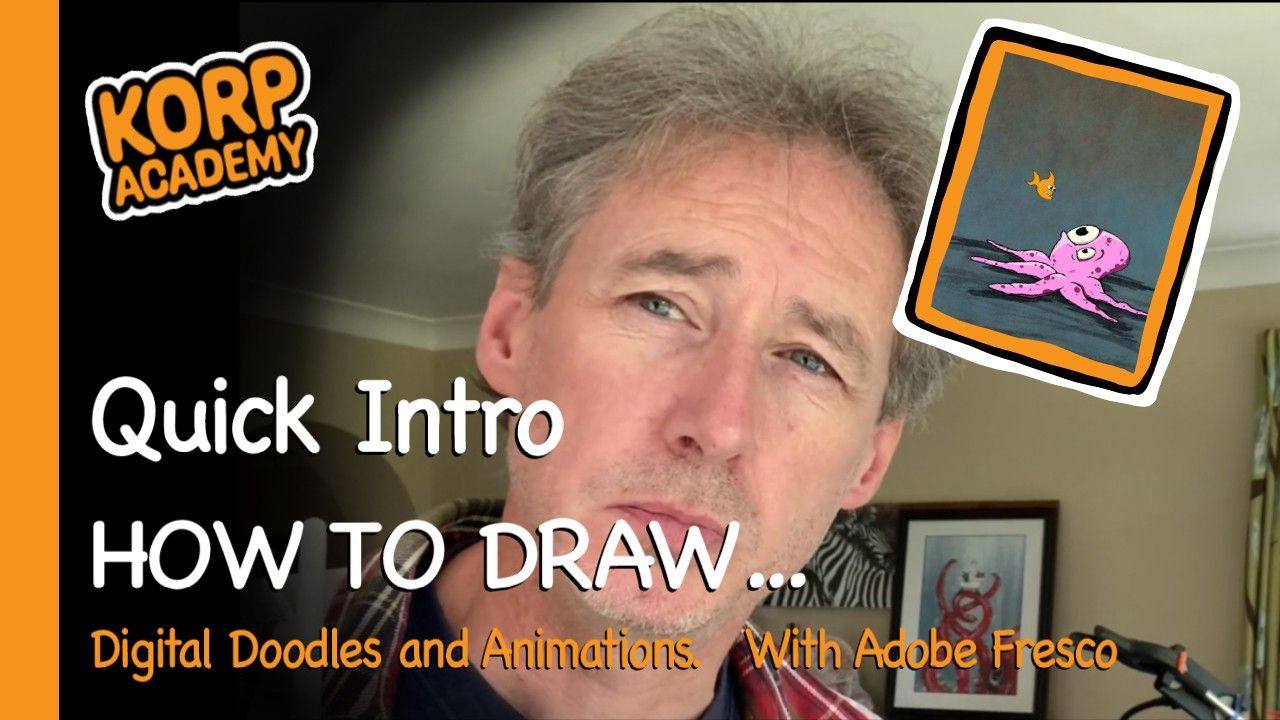
This is a quick intro from me about what we’ll be doing in the Digital Doodle Club. I’m not a digital artist — I’m just figuring things out by experimenting, which is exactly how we’ll approach these lessons.
I’m using Adobe Fresco, but you can use whatever drawing app you’re comfortable with.
Gi...
Welcome to the Digital Doodle Club.
This space is for anyone who wants a simple, no-pressure introduction to drawing digitally. All the lessons are taught in Adobe Fresco on an iPad using the Apple Pencil, but the techniques will make sense on most tablets and styluses.
What You’ll Need
An iPad ...