

Welcome to the Digital Doodle Club.
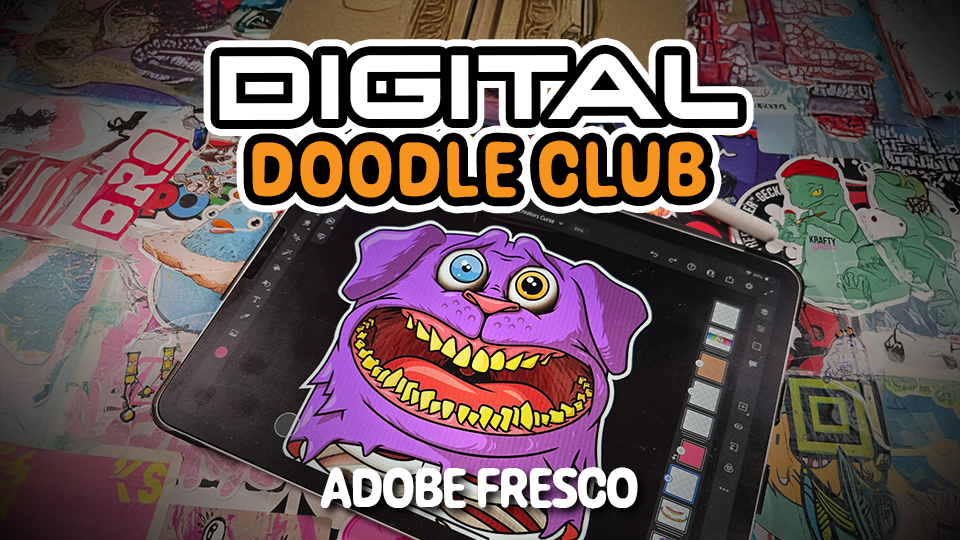
This space is for anyone who wants a simple, no-pressure introduction to drawing digitally. All the lessons are taught in Adobe Fresco on an iPad using the Apple Pencil, but the techniques will make sense on most tablets and styluses.
What You’ll Need
- An iPad (any recent model works fine)
- An Apple Pencil
- Adobe Fresco (the free version is enough)
- A bit of space to draw and experiment
What You’ll Learn
These beginner-friendly lessons will help you get comfortable with:
- The core Fresco tools and brushes
- How layers work and why they matter
- Basic colouring and shading
- Simple character building
- Trimming, erasing, resizing and moving elements
- Small frame-by-frame animations to bring drawings to life
The first two lessons are open to everyone so you can get a feel for the tools and workflow. When you’re ready, head to Lesson 1 in the next post and follow along at your own pace.
Responses