Share to…
Categories
adding power lines adobe fresco animation animation tool beginner digital art bow tie character drawing colour picker cutting in digital character animation digital drawing techniques divers effects eyes fill tool fish flip book frame by frame frame by frame animation fresco fresco animation fresco liquify fresco pose tool fresco transform tools intro layer masks layers line boil liquify tool locking transparency octopus octopuses onion skin tool pencil photo import pixel layers in fresco posca pose tool scribble shading silhouettes simple animation workflow smudge tool symmetry tools transform tools in fresco underwater vector brush vector drawing in fresco vector vs pixel layersLesson 5: Animating Details & Adding Effects
by Rhys
Nov 19, 2025
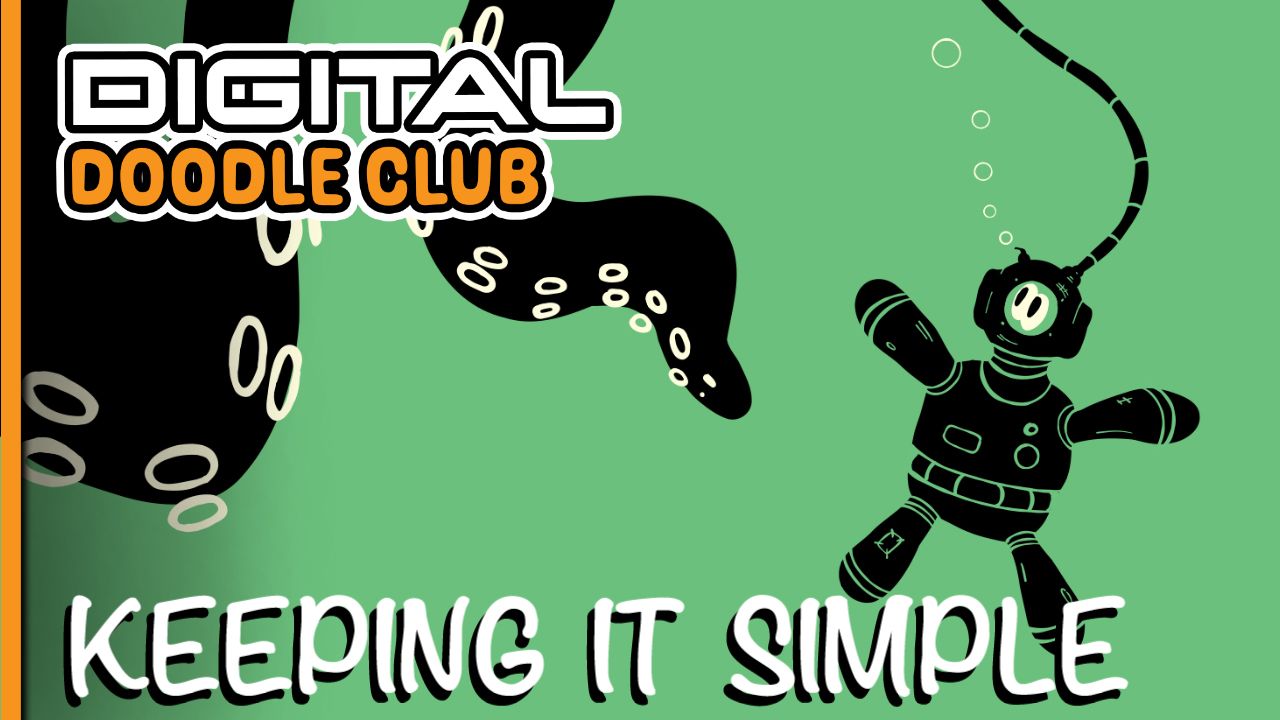
In this one I’m taking the finished drawing from the last lesson and giving it some proper movement. We’ll add a wobbling bow tie, animated eyebrows, a bit of line boil, and even try some smoke or fire effects on top.
If you’ve been following along and there’s anything you want me to look at next — different tools, different animation tricks, or anything you’re stuck on — just leave a comment and let me know.
The full video is right below if you want to see how it all works.