Share to…
Categories
adding power lines adobe fresco animation animation tool beginner digital art bow tie character drawing colour picker cutting in digital character animation digital drawing techniques divers effects eyes fill tool fish flip book frame by frame frame by frame animation fresco fresco animation fresco liquify fresco pose tool fresco transform tools intro layer masks layers line boil liquify tool locking transparency octopus octopuses onion skin tool pencil photo import pixel layers in fresco posca pose tool scribble shading silhouettes simple animation workflow smudge tool symmetry tools transform tools in fresco underwater vector brush vector drawing in fresco vector vs pixel layersLesson 4: Editing a Real Drawing in Fresco
by Rhys
Nov 19, 2025
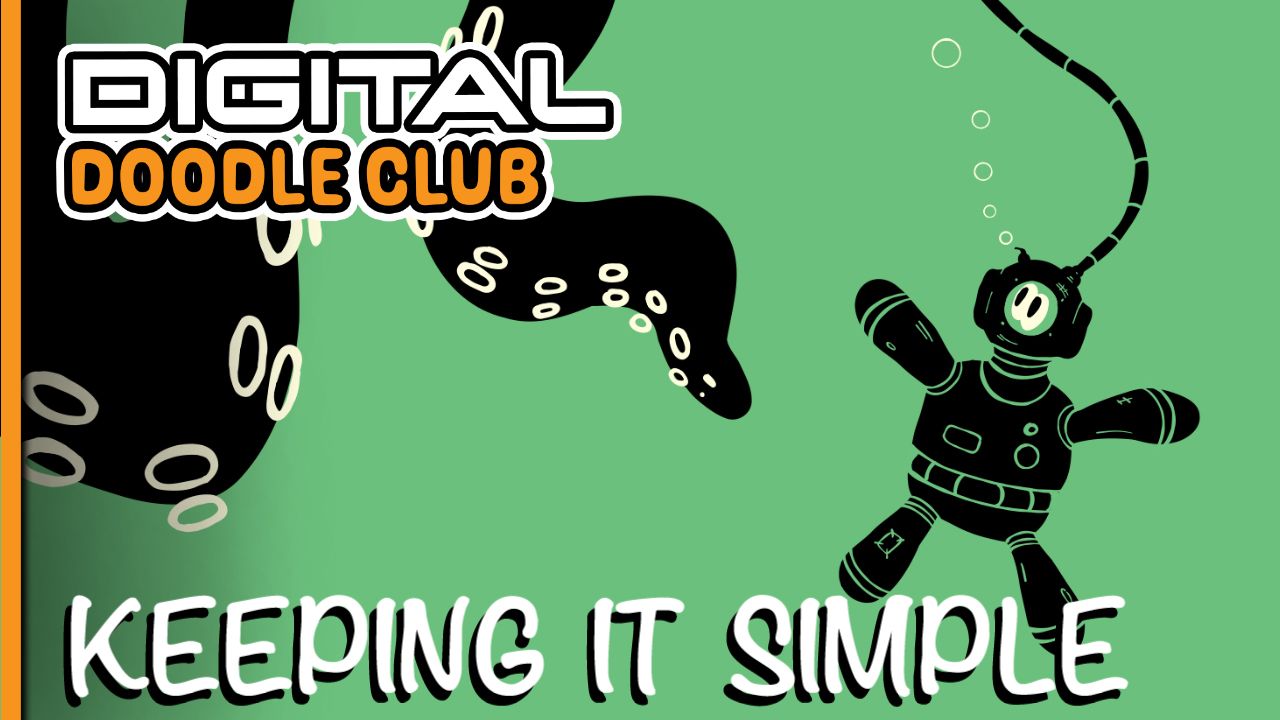
In this one, I’m doing something I do a lot: taking a photo of a real drawing and playing with it in Fresco. It’s a really easy way to test ideas, change colours, fix mistakes, add shading, and generally mess about without ruining the original piece.
I’ll show you how to bring in the photo, work over the top on new layers, pick colours straight from the artwork, adjust things, smudge, cut in, and build up some proper depth before we even think about animating it.
If you want to see how I set it all up and what I actually change, the full video is right below.